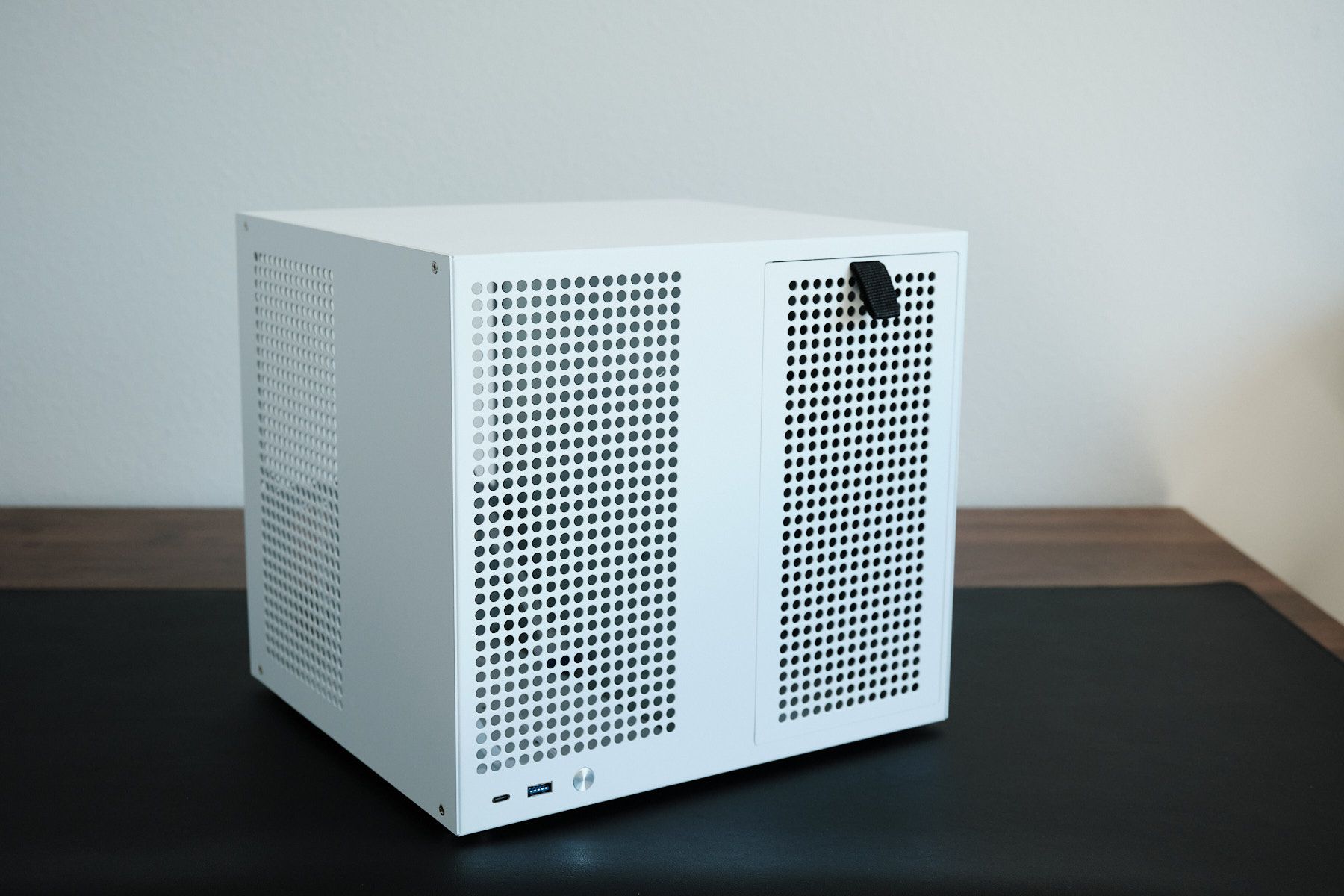
After setting up my homelab PC, one thing about it irked me in the weeks that followed: it was just too big. It was housed inside the Fractal Design Meshify C, a mid-tower case designed to maximize airflow for gaming rigs.
I recently decided to rebuild it in the Sagittarius 8-bay NAS case. It’s nearly 40% smaller and packs plenty more room for storage drives. I want to share what led me to this choice, how it stacks up against other alternatives, and my first impressions after unboxing it.
Contents#
- What I was looking for in a case
- How I landed on the Sagittarius
- Unboxing and first impressions
- Final thoughts and what’s next
What I was looking for in a case#
My original goal was to find a compact case significantly smaller than my current Fractal Design Meshify C case (36.5L in volume) that could hold at least six 3.5” drives.
As I researched different builds, it occurred to me that I’d need to decide between an mATX or mITX motherboard, which would determine which cases I could consider. Given that most consumer motherboards typically have between four to six SATA ports, I’d potentially have to reserve one PCIe slot for a SATA expansion card to support more drives.
This tradeoff was harder for me to accept on an mITX motherboard as these motherboards only have one PCIe slot. To leave this slot available for future upgrades like a 10GBe ethernet card, I’d need a motherboard with enough native SATA ports to support all of the drive bays in my selected case. I also wanted a motherboard that supports ECC RAM to protect against silent data corruption. However, finding an mITX board with enough native SATA ports and ECC support is nearly impossible outside of specialty server hardware.
For instance, the Supermicro A2SDi-8C-HLN4F checks all my boxes, but I’ve only been able to find it for over $600 on eBay or Amazon. Meanwhile, mATX boards like the ASRock B550M Pro4 support ECC and cost around $89 and the SATA port gap is easily covered by an expansion card.
How I landed on the Sagittarius#
Before settling on the Sagittarius case, I went down a deep rabbit hole looking at several alternatives. These are the other options that didn’t make the cut.
| Case | Volume | 3.5” Bays | 2.5” Bays | Mobo Support | PSU Type | Price |
|---|---|---|---|---|---|---|
| Sagittarius | 21.9L | 8 | 2 | mITX, mATX | ATX | $210 |
| Jonsbo N6 | 34.2L | 9 | 0 | mITX, mATX | ATX | $186 |
| Jonsbo N4 | 19.6L | 6 | 2 | mITX, mATX | SFX ≤ 125mm | $133 |
| Jonsbo N3 | 18.2L | 8 | 1 | mITX | SFX ≤ 105mm | $159 |
| Jonsbo N2 | 11.1L | 5 | 1 | mITX | SFX ≤ 150mm | $145 |
| Fractal Node 304 | 19.2L | 6 | 0 | mITX | ATX | $109 |
| Fractal Node 804 | 40.3L | 8 | 2 | mATX | ATX | $134 |
| SilverStone CS351 | 25.1L | 5 | 0 | mITX, mATX | ATX | $229 |
Most of these fell short on one or two requirements. The Jonsbo N2, N3, and Fractal Node 304 are all mITX-only. The Jonsbo N4 supports mATX but has airflow concerns as it supports just one slim 120mm fan for the drive bays. Both the Jonsbo N6 and the Fractal Node 804 have the right feature set but they’re each too big. And the SilverStone CS351 just doesn’t look good to me.
In choosing the Sagittarius, what sealed the deal was how much it packs into its relatively small footprint. This case also offers support for four 120mm fans (two in front of the motherboard, and two behind the drive bays) and four full-height PCIe slots. The vendor’s listing claims that it supports a max CPU cooler height of 55mm and a max PCIe device length of 220mm.
At the time of writing, I haven’t been able to find a comparable case that offers all of these features at this size. I honestly thought it was just too good to be true when I first stumbled upon it on an old Reddit post. However, Wolfgang’s video featuring this as part of his home server confirmed that it’s real deal.
Unboxing and first impressions#
I bought this case bundled with eight SATA cables on AliExpress and it was shipped to me from Shenzhen, China for $210, including shipping. I received it 10 days after placing my order earlier this month.
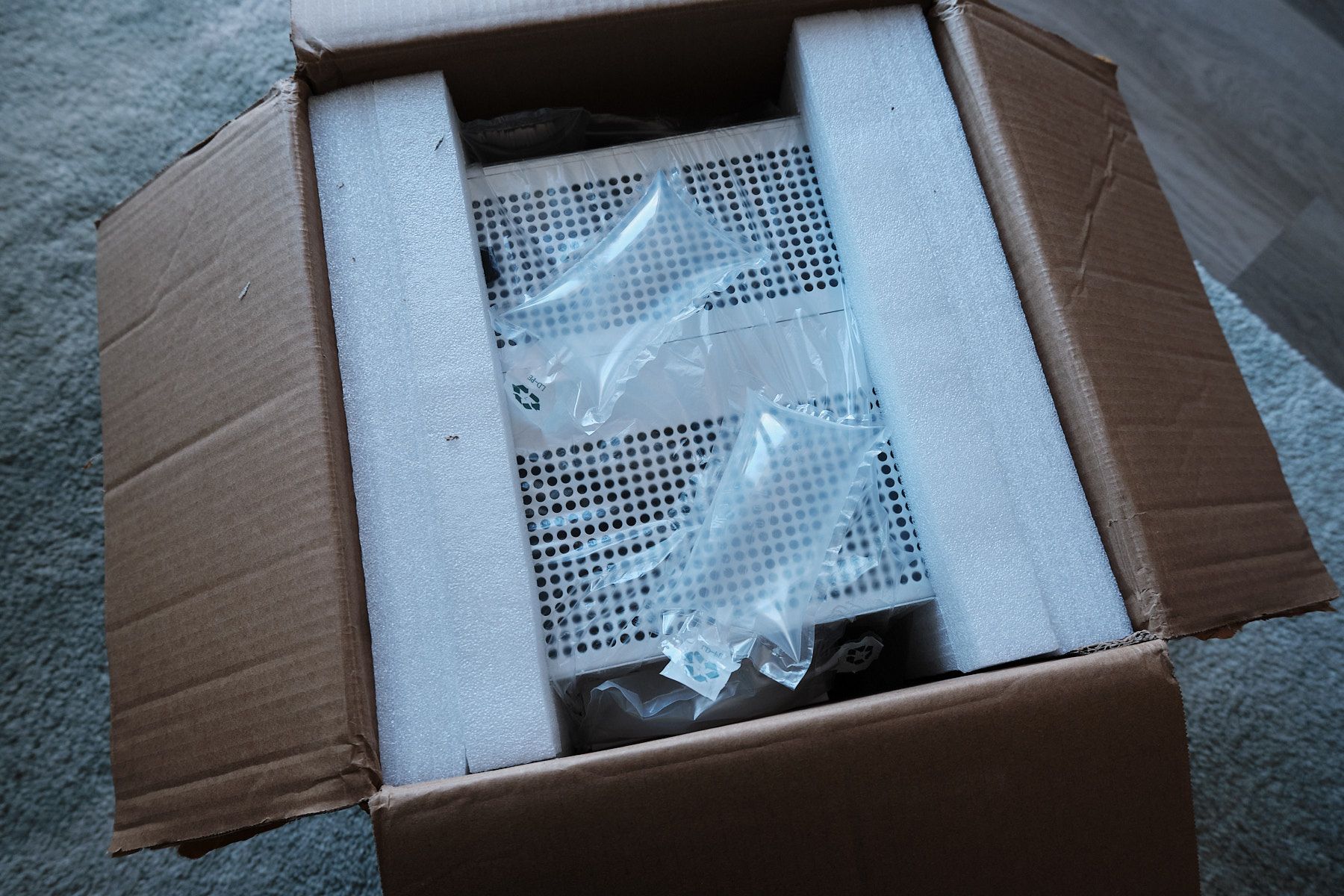
When I unboxed it, I found it sandwiched between two large pieces of styrofoam. I didn’t notice any dents or other physical damage.
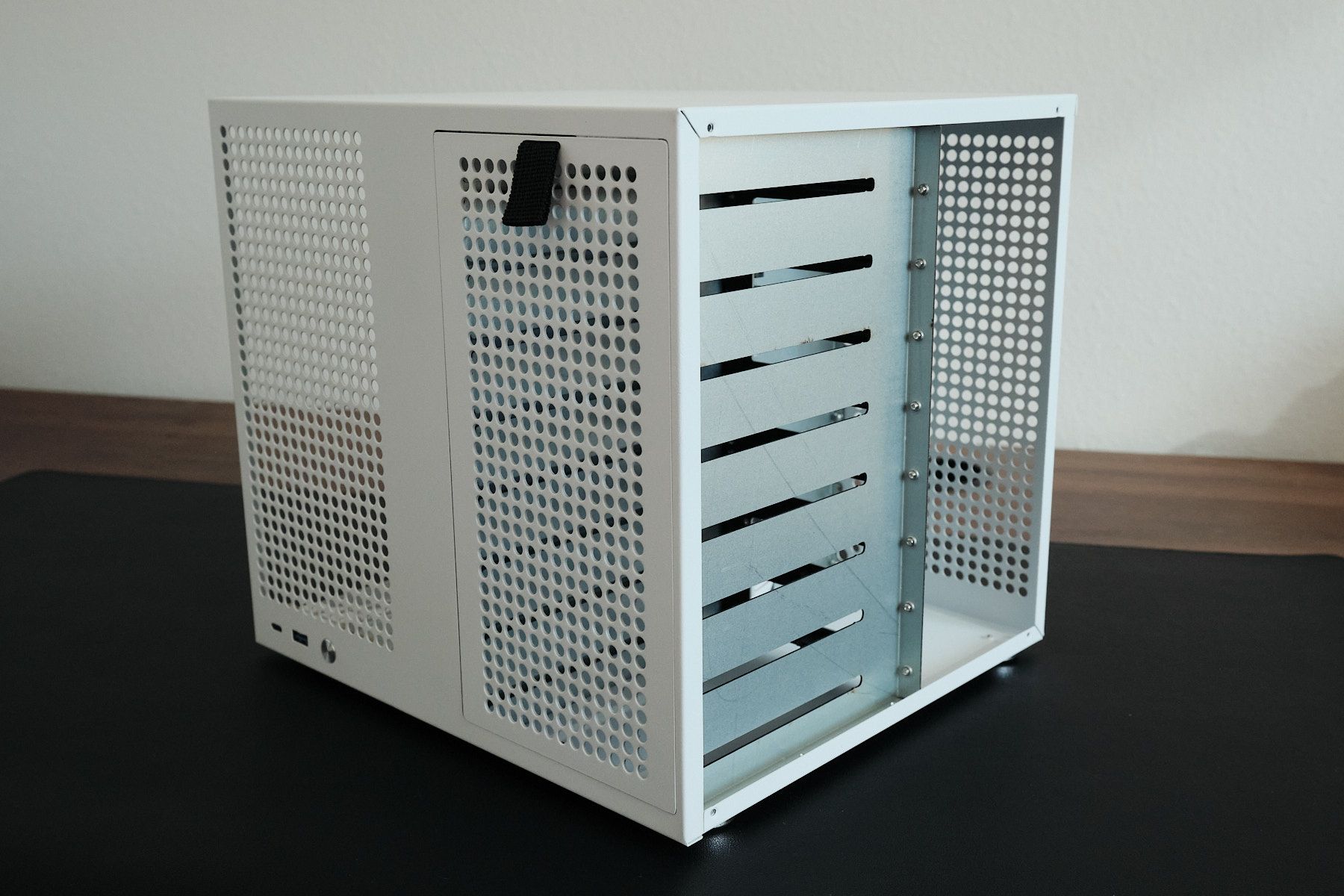
On the outside, the case looks just as I expected and I do like the white color. Unfortunately, the build quality isn’t amazing and if you’re a stickler about this sort of thing, then this case might be hard to justify at $210.
The case itself is made of sheet metal that, according to the vendor listing, is 0.8mm thick. It appears to be quite sturdy and doesn’t flex much if you press on it.
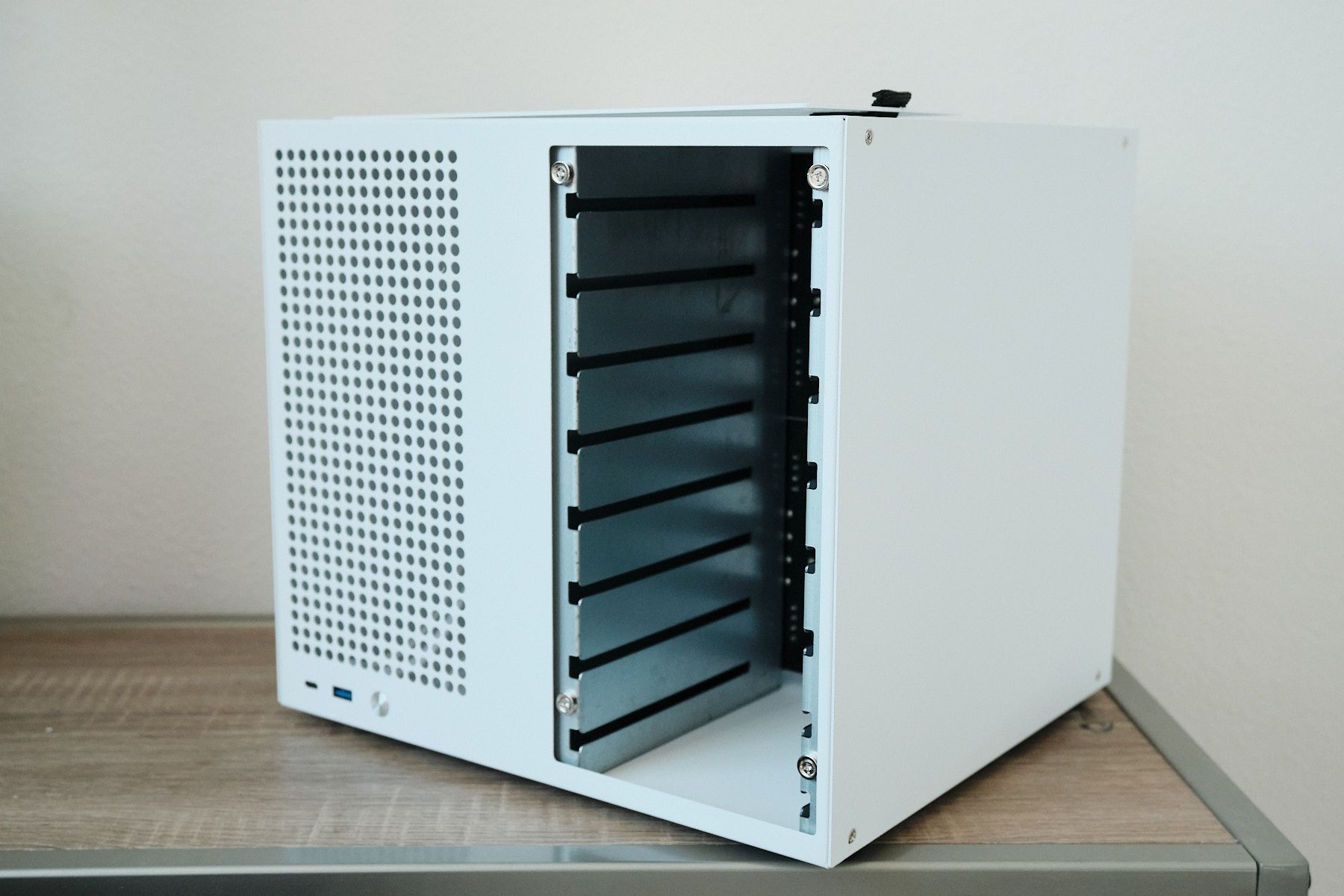
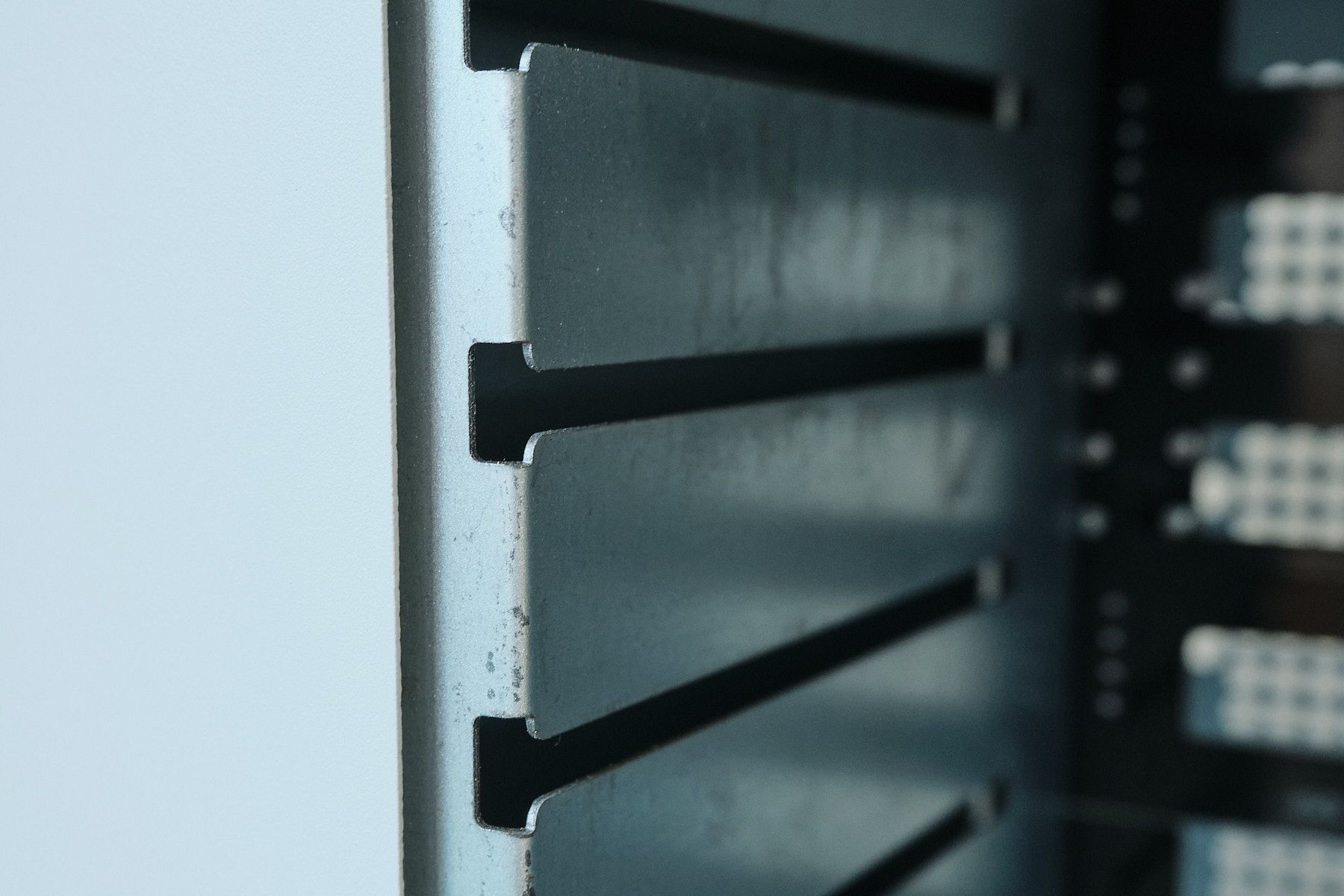
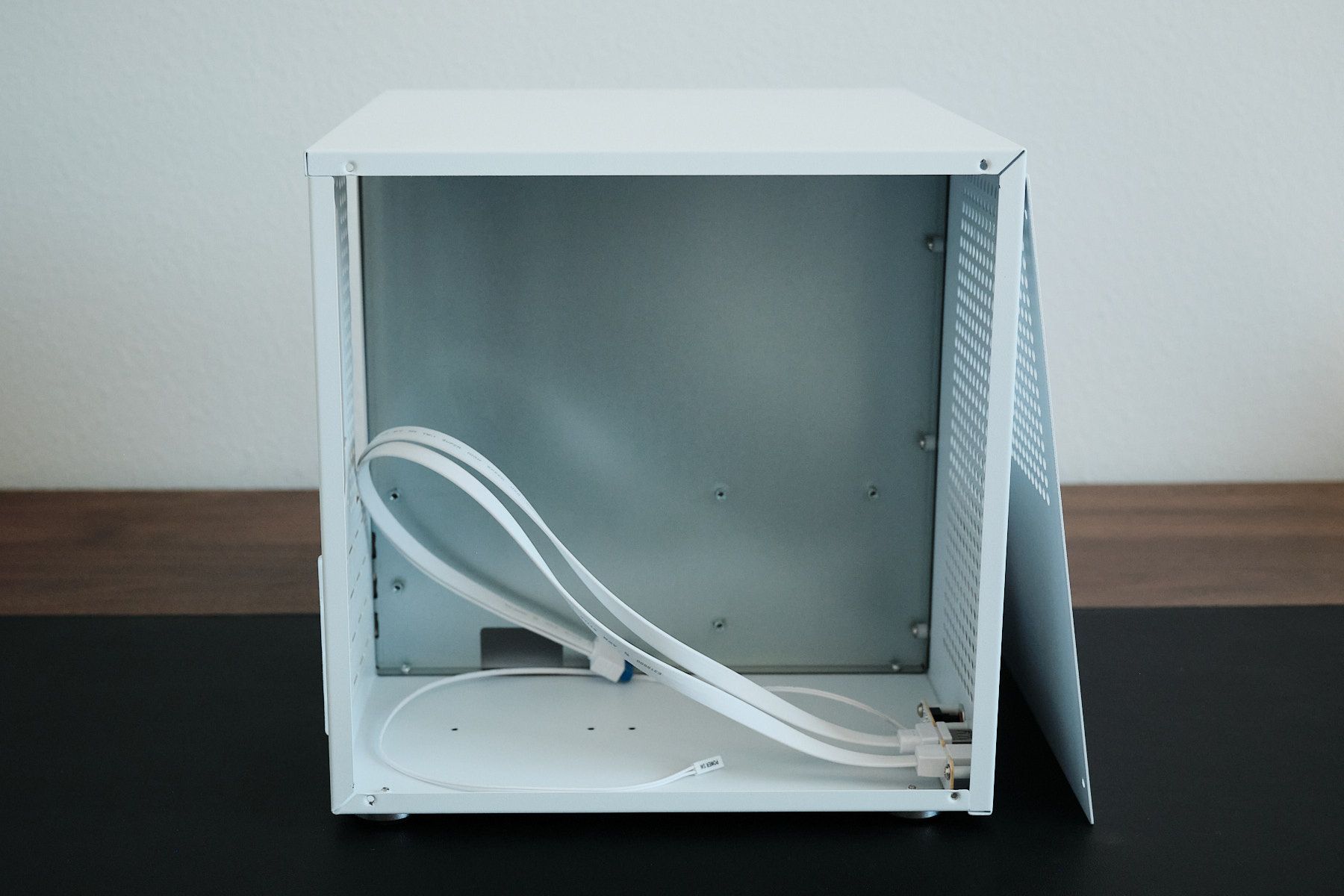
The right side of the case has a magnetic front panel that you can pull off with a pull tab. Looking at the interior, you can see imperfections on the surfaces. These, for me, were an unpleasant surprise. However, once you have all the panels installed, you’ll rarely see the inside, so it’s probably not a big deal. There also aren’t any hooks or other tie-down points to secure cables.
Front I/O#
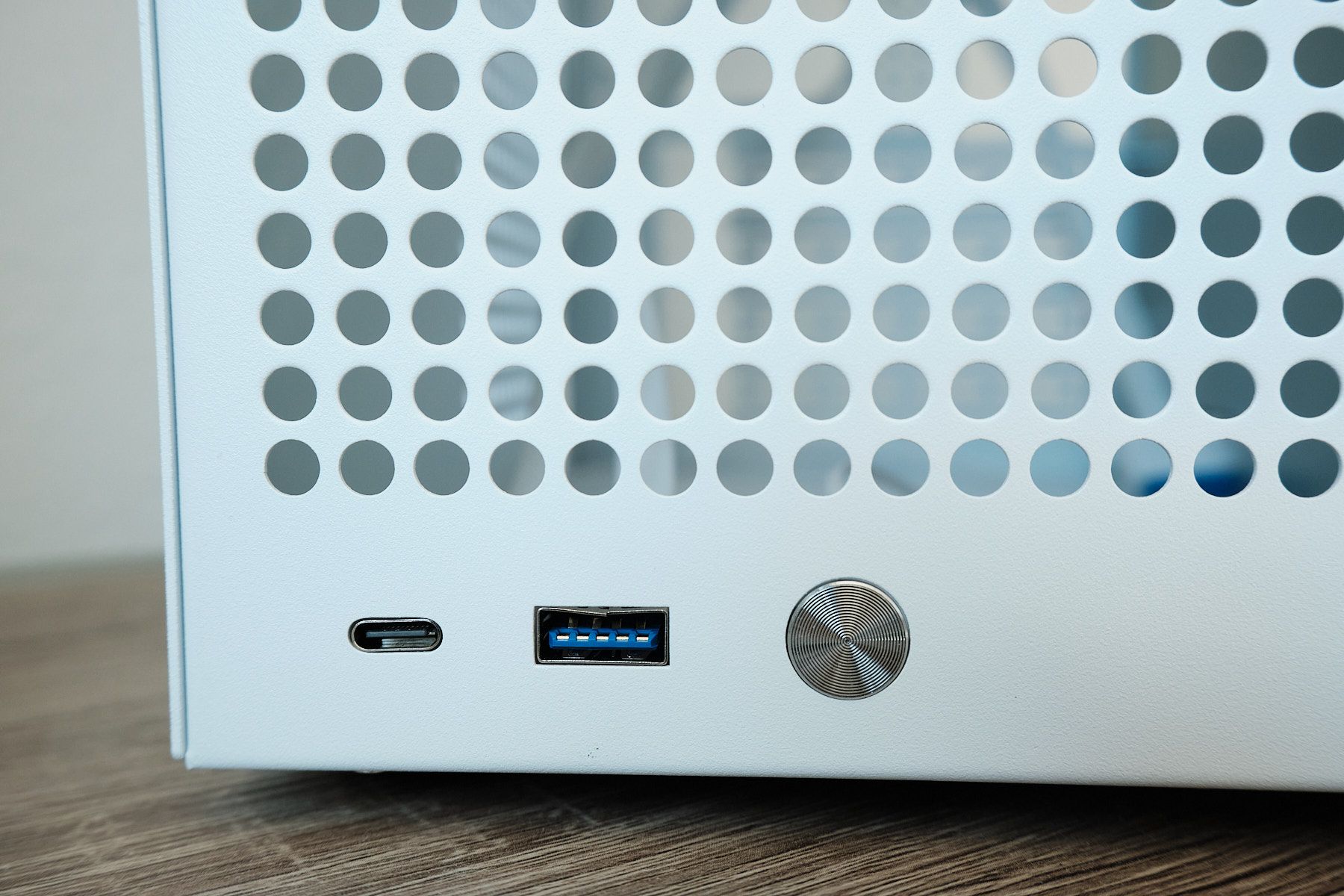
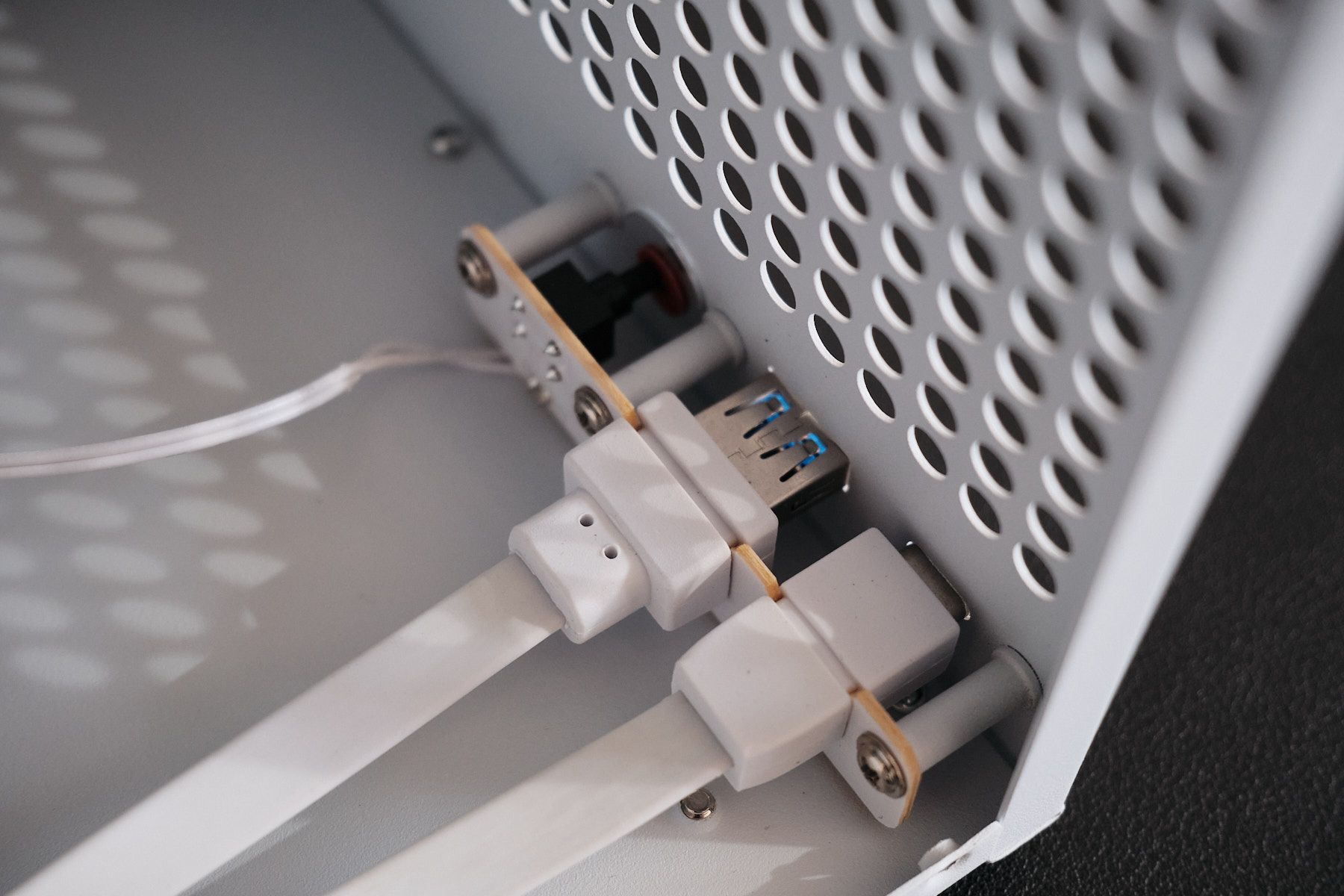
As for the I/O, there’s just a power button, a USB-A 3.0 port, and a USB-C 3.0 (5 Gbps) port on the front. I do wish the front I/O was nicer. There are no HDD activity indicators or other features you might expect on a NAS case. If you look closely at the USB-A port in the photo below, you’ll notice that the metal cutout around it is slightly bent at the top, another blemish on the build quality.
PCIe Expansion Slots#
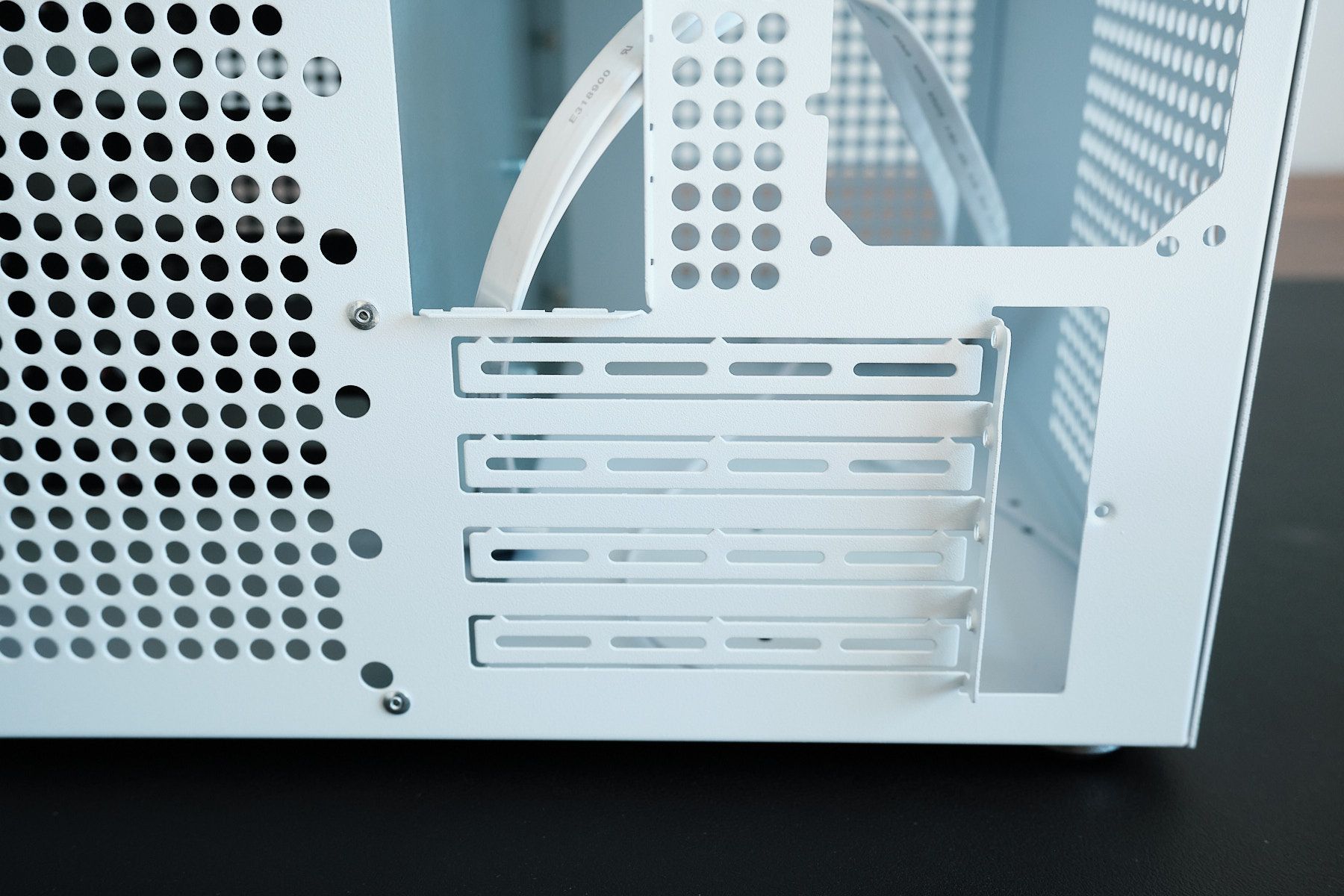
The back of the case has four full-height PCIe expansion slots. These slot covers can be pulled out but cannot be reattached.
SATA Backplane#
The case has a SATA/SAS backplane to support hard drive hot swapping. This requires four MOLEX connectors to power all eight drive bays. My PSU has a MOLEX cable that only connects to three, so I’ll need a MOLEX splitter to power the fourth. I do wish the backplane used a more modern power connector, but this isn’t a dealbreaker for me.

Included Accessories#
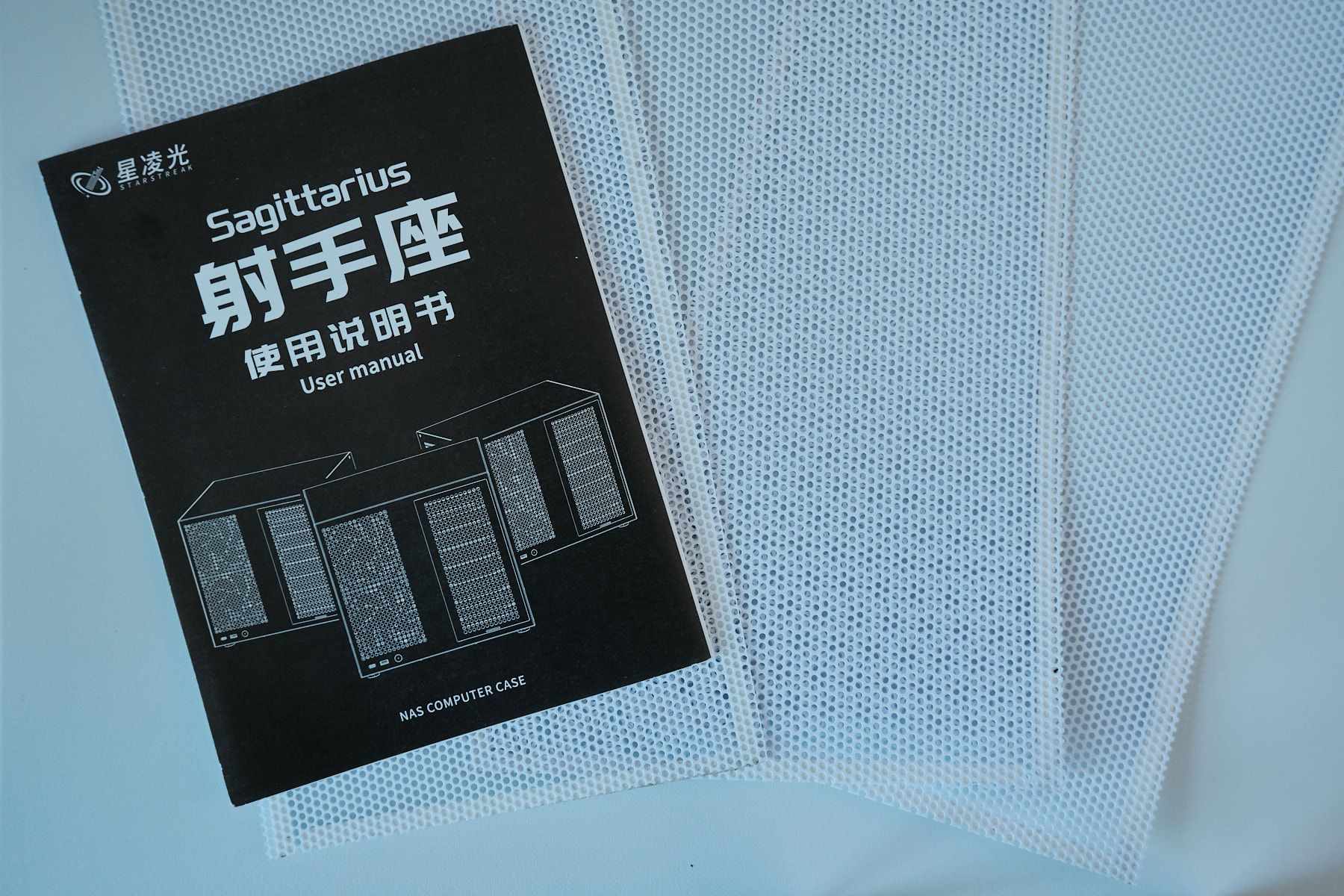
Some people have commented that they didn’t receive a manual. However, mine surprisingly came with one. The case also includes some dust filters that you can install.
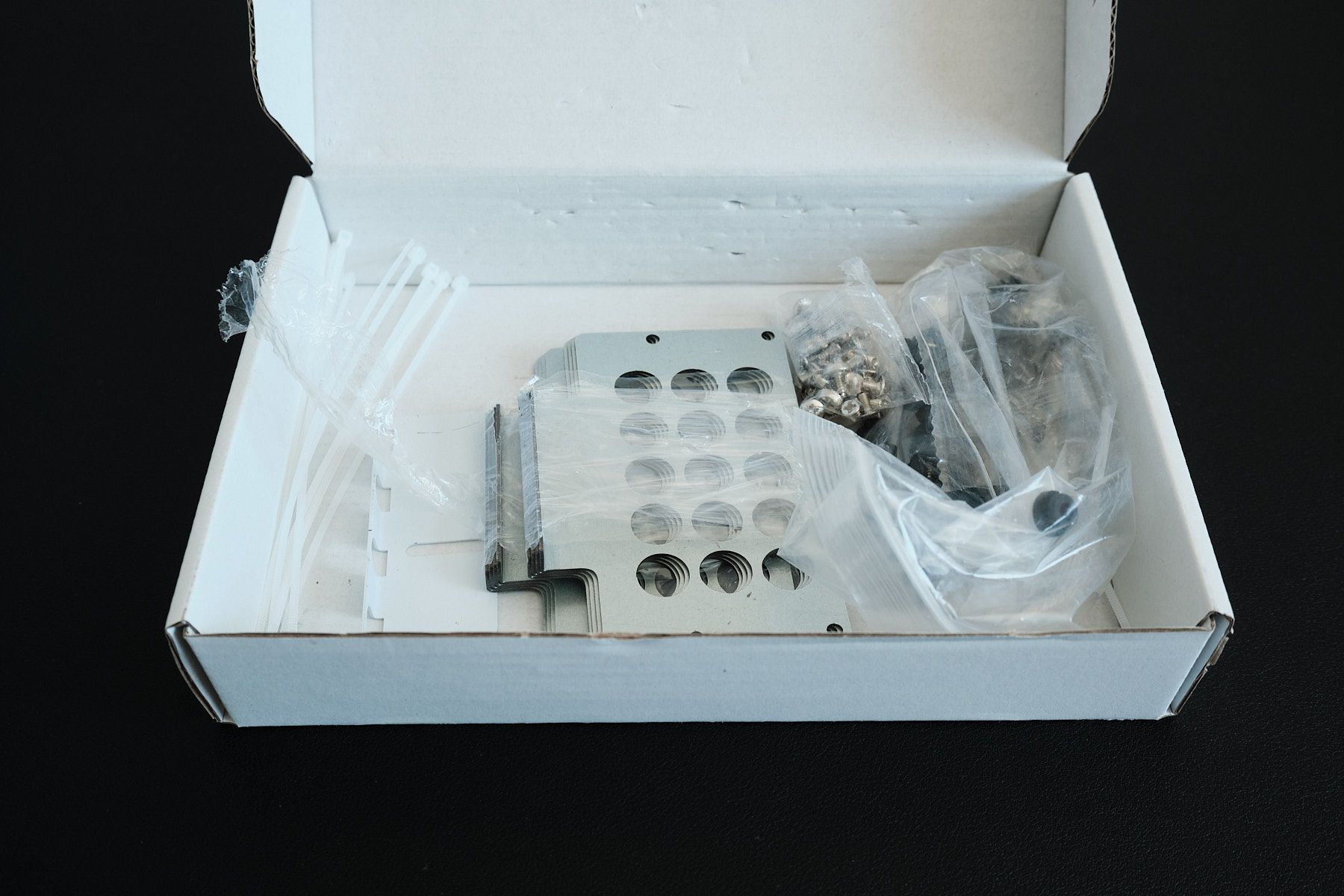
The package I received also included a box containing screws and other accessories for mounting hard disks.
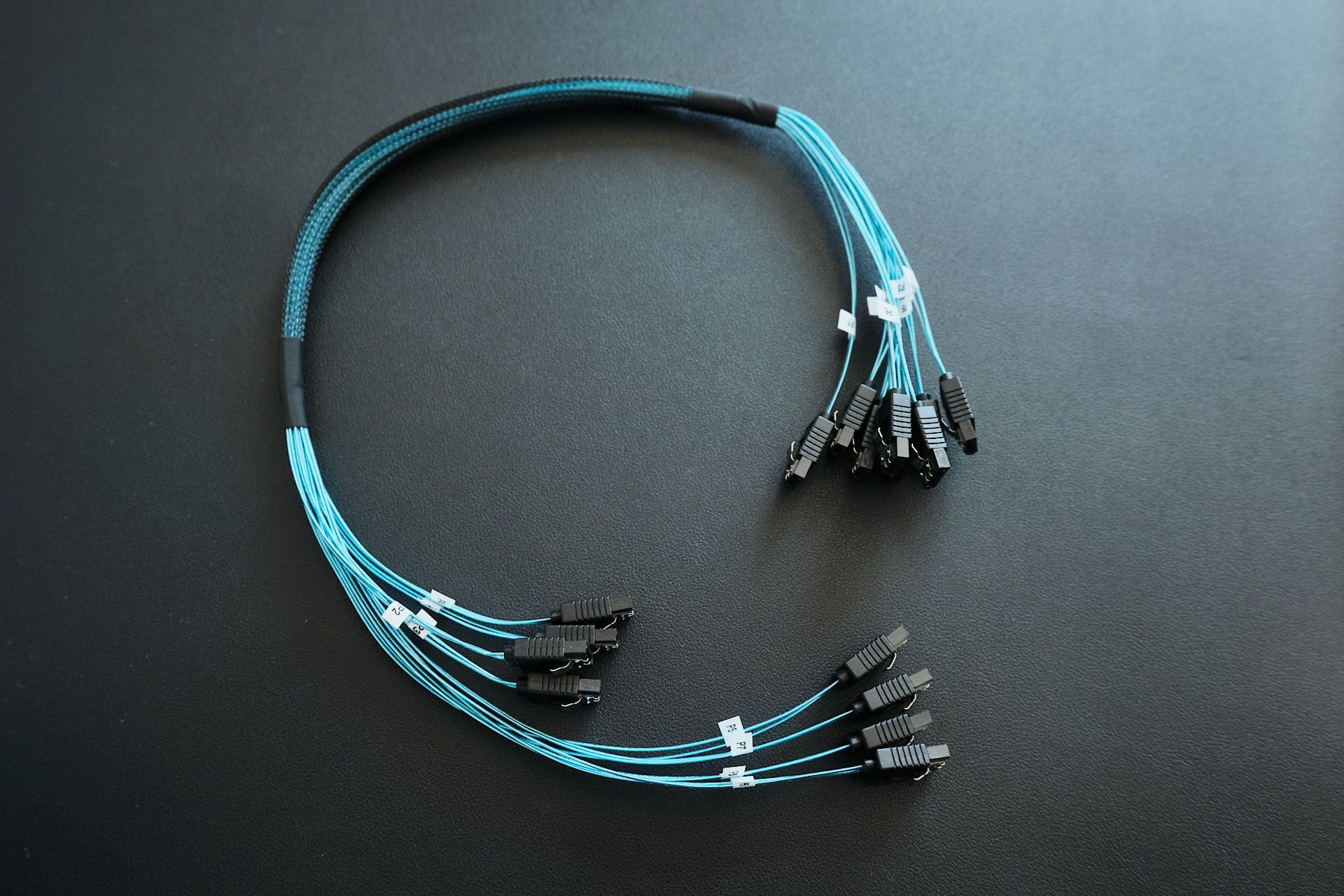
As I mentioned earlier, my purchase included eight SATA cables bundled together in a mesh sleeve. The cables have a thin profile and seem to be of decent quality. Each has a label on both ends, allowing you to quickly identify which hard drive bay is connected to which SATA port on your motherboard.
Final thoughts and what’s next#
Despite the rough edges, I’m happy with this purchase. The reality is that there just aren’t many good options for a compact NAS case with mATX support, eight drive bays, and room for expansion cards.
For that unique combination, I think the price is well worth it. If Fractal Design were to refresh their Node series I’d give that a hard look, but until then, the Sagittarius stands in a class of its own.
Next up is the build itself. I’ll share my experience putting it all together in a follow-up post.